
Make Your Books Videos and Website Feel Connected
Give readers and viewers a consistent way to recognize your work and find the next relevant resource.
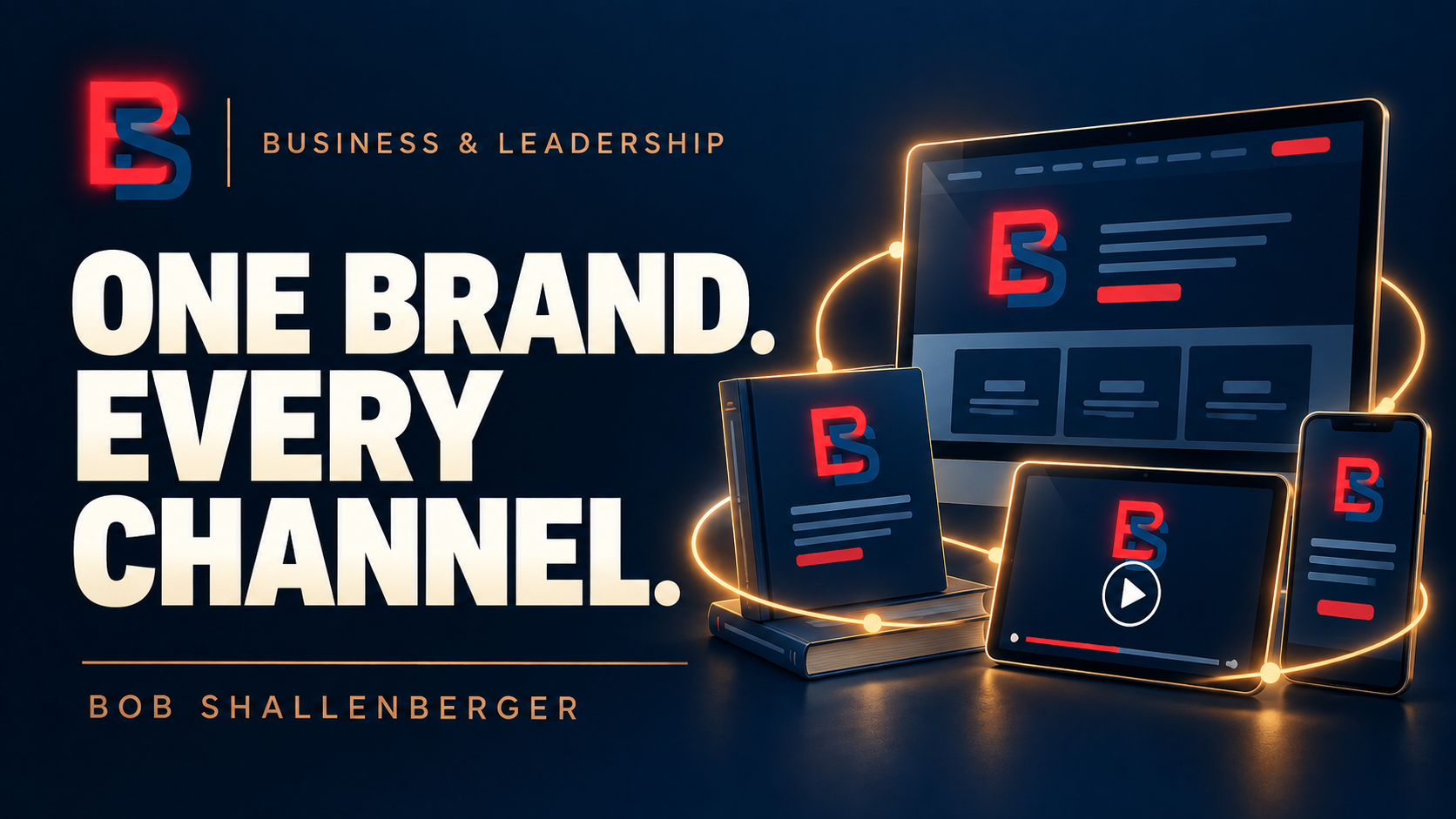
A book, a video, and a website may reach the same person at different times. Each can stand on its own, but the connection between them should be easy to recognize. If the title changes, the colors conflict, and the description makes a different promise on each page, the audience has to decide whether these materials even belong together.
Start with a small set of shared elements. Use a consistent author name, logo, website address, and general visual style. Decide which version of each asset is current and keep it somewhere easy to find. This simple step prevents different people from building materials from old images or recreating an existing design from memory.
Let each book retain its own identity. A series can share a recognizable structure while using distinct titles, colors, and symbols for individual volumes. When a video discusses a particular book, use that book’s verified cover as the visual reference. The viewer should be able to recognize the same work when moving from the video to its detail page.
Consistency also applies to the words. Keep the title and subtitle identical wherever the book appears. Write a clear description of what the reader will learn and whom the material is intended to help. Adapt the length for the setting, but preserve the meaning. A short video description should not promise results that the longer book description does not support.
Give every page a useful next step. Someone reading an article may want a related guide. Someone watching a video may want the article that explains the process in more detail. Someone reviewing a book may want to purchase it. Choose the next step according to the visitor’s interest rather than sending everyone to the same general homepage.
Use purchase language only when the purchase route works. A book detail page can introduce a forthcoming title without pretending it is available. Once the sales page is live, test the link and confirm that it points to the correct title and edition. The cover image, description, format, and purchase destination should agree.
Be equally careful with a collection or complete set. List the exact books included, and distinguish a series overview from an actual bundle someone can buy. If individual volumes are available while the set is still being prepared, explain that clearly. A visitor should not have to discover the difference after clicking a button.
Design graphics for their actual use. A complete print cover includes a back and spine, but a website usually needs a front-cover image that remains readable at a smaller size. A video thumbnail needs to communicate quickly within its own format. Reuse the underlying identity while adapting the composition so the material works where it will appear.
Maintain a simple record for each title. Include the approved cover, current description, edition, related articles, video links, and verified purchase URL. Keep drafts and rejected versions separate from approved assets. The record becomes especially useful when several people or tools are producing content at the same time.
Review the journey as a visitor would. Open a video description, follow its link, read the destination page, and try the next action. Check the experience on a phone as well as a larger screen. A consistent brand is weakened by a broken link, an unreadable image, or a button that promises something the next page cannot deliver.
The objective is recognition supported by accuracy. People should know whose work they are seeing, which resource they are considering, and what they can do next. When the books, videos, articles, and website support that same understanding, the collection becomes easier to explore and easier to maintain.